

If you’ve ever launched a mobile app, you know the nightmare: your app goes live, a typo slips through, or worse, a broken button. Fixing it should be quick, right? Wrong.
Compared to the web, where there’s no gate-keeping. Make your changes and deploy to all your users.
Why Mobile Is Different
The App Store Bottleneck. The app store review process exists for good reasons—quality control, security, user protection. But here’s the thing: many of your updates don’t need a full review, especially your content.
Every change, no matter how small, means:
- Rebuilding the app
- Testing across devices
- Submitting for App Store review
- Waiting days for approval
That’s 1–7 days of downtime, frustrated users, bad reviews, and potential lost revenue. For fast-moving startups, that can be the difference between growth and churn.
Introducing Resync

For simple UI fixes and content updates, it should just be easy. Make the changes and deploy to all your users.
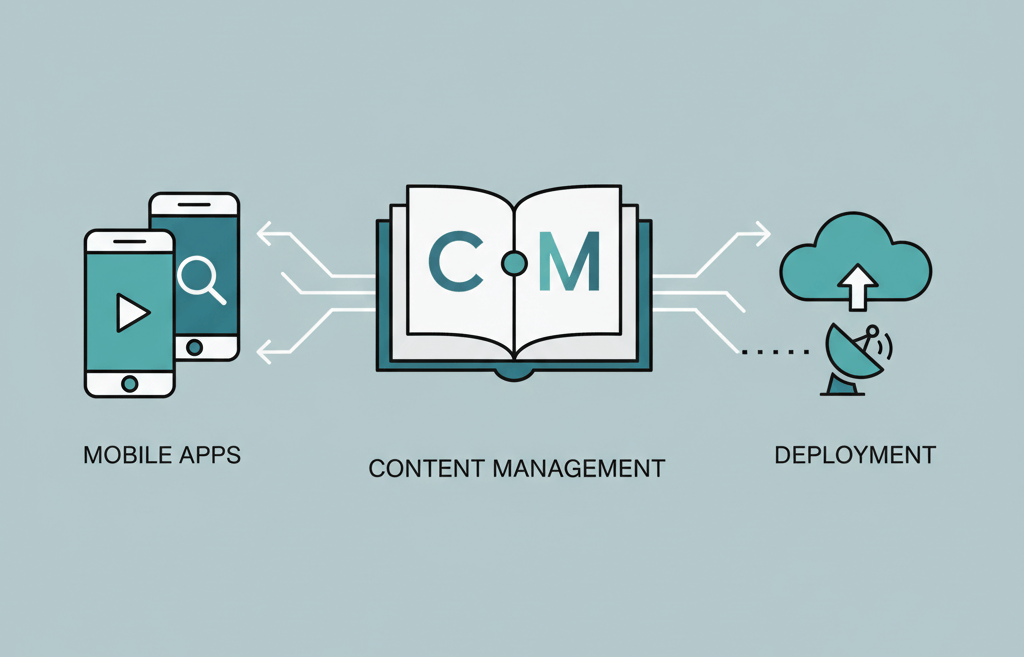
Resync brings over-the-air (OTA) updates to your mobile apps, letting you deploy UI and content changes instantly, without waiting for app store approval.
With a familiar drag and drop visual editor, you can easily craft simple and complex layouts, beautiful UIs and even forms with validation. You do not need to know how to code, its open to everyone.
Easily embed new content anywhere without a complex setup or disrupting your existing app.
You can get started for free. Visit www.getresync.com/sign-up


